
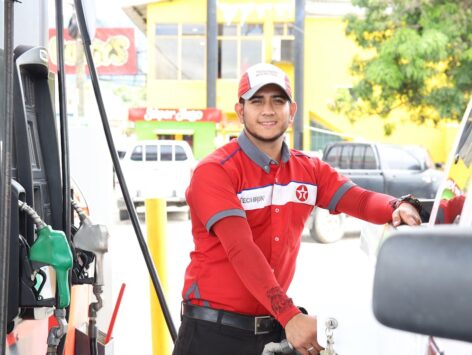

Petrol Attendant Course
R199 once-off. Study on your phone, at your own pace.
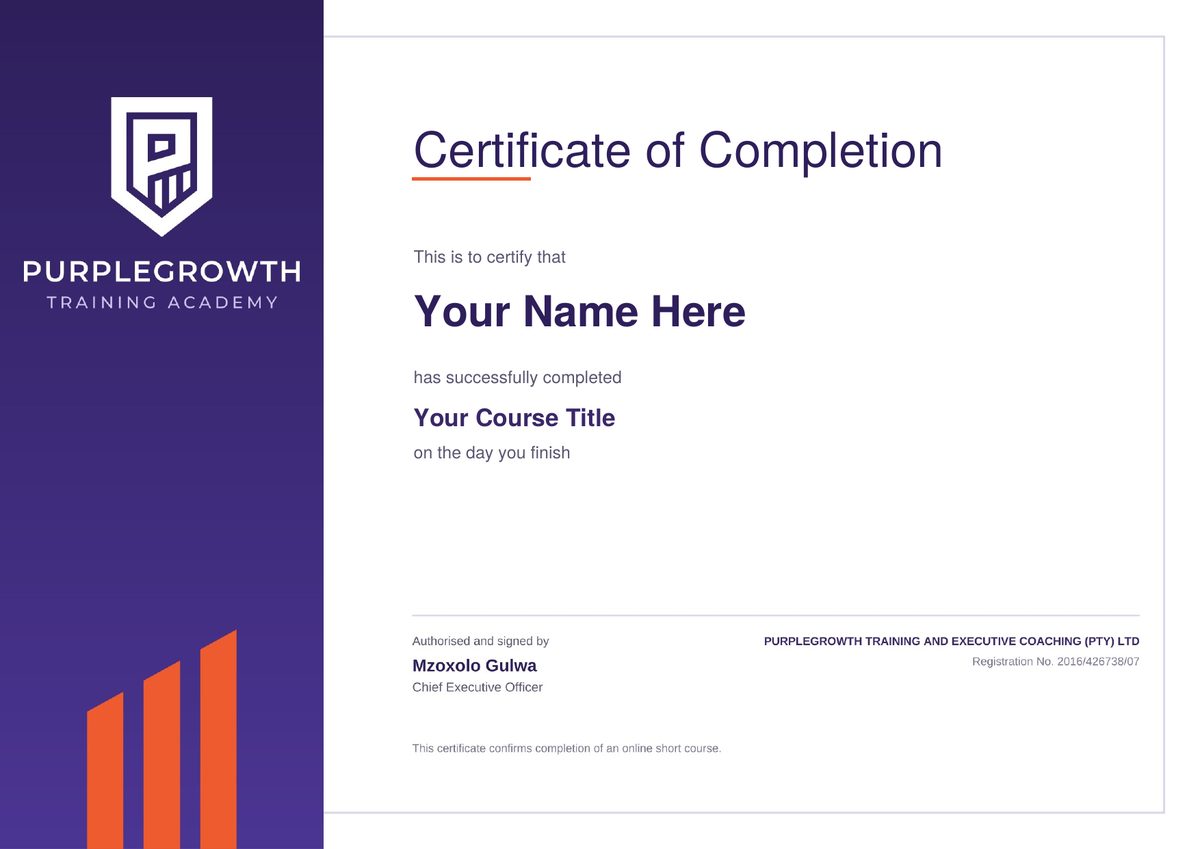
Get a certificate of completion when you finish.
🎬 Course Introduction Video
Watch this short introduction to understand what you will learn and how to navigate this course.
| Facilitator Name: | Nolubabalo Ngwanya |
| Format: | Online eLearning (eCampus) |
| Duration: | Self-paced — 7 Chapters |
Welcome to the Petrol Attendant Course
Welcome to the Petrol Attendant Professional Development Course! This programme is designed to equip you with the skills and knowledge to operate safely, professionally, and efficiently on the forecourt. You will master everything from correct fuel dispensing and vehicle maintenance checks to customer service excellence and end-of-shift accountability.
🎬 Petrol Attendant Course – Introduction Video
Overview
The Petrol Attendant is the face of the service station, responsible for the safe, accurate, and professional delivery of fuel and vehicle services to every customer. This course ensures you understand your role fully — from the moment a vehicle enters the forecourt to the completion of your shift handover.
Learning Outcomes
- Operational Safety: Correctly identify fuel types, apply HSEQ standards, and ensure all safety checks are completed before dispensing.
- Vehicle Services: Perform basic vehicle maintenance checks — oil, water, tyre pressure — professionally and safely.
- Financial Accuracy: Process cash, card, fleet, and loyalty payments accurately and prevent fraud on the forecourt.
- Customer Excellence: Apply the professional greeting, use the HEAT method for complaints, and deliver “Gold Standard” service on every interaction.
Target Audience
- New and existing Petrol Attendants
- Forecourt Supervisors
- Service Station Managers
Career Opportunities
Successful completion of this course prepares you for roles such as:
- Senior / Lead Petrol Attendant
- Forecourt Supervisor
- Service Station Manager (Entry Level)
- Fuel Retail Operations Coordinator
- HSEQ Compliance Officer (Fuel Retail)
Assessments & Grading
Your progress will be assessed through activities and quizzes in each chapter. The grading rubric is as follows:
| Assessment Type | Weight | Description |
|---|---|---|
| Chapter Activities | 40% | Practical activities completed in each chapter |
| Chapter Quizzes | 30% | Knowledge checks at the end of each chapter |
| Final Assessment | 30% | Comprehensive evaluation covering all chapters |
👩🏫 Meet Your Facilitator
Nolubabalo Ngwanya
Training Facilitator & Assessor
A passionate and results-driven training professional with extensive experience in curriculum facilitation, project coordination, and stakeholder engagement within the TVET and occupational training environment. Nolubabalo is a QCTO-aligned facilitator and accredited assessor skilled in delivering programmes that promote excellence, compliance, and learner growth.
💼 Work Experience
• 10+ years in banking
• 4 years in wholesale and retail
• 8 years as entrepreneur
• 2 years in TVET lecturing
🏫 SETA Registrations
• Wholesale & Retail SETA
• Bank SETA
• Services SETA
• ETDP SETA
🎓 Qualifications
• BCom Degree – Nelson Mandela University, 2008
• Certificate in Leadership – I Can Maxwell Foundation, 2012
• RE (for Representatives) – Moonstone, 2013
• Certificate in Generic Management – Services SETA, 2018
• Assessor Certificate – Khanyisela College, 2019
• Facilitator Certificate – KTMO Business, 2021
• Business Advisor Certificate – IBASA, 2023
The certificate you get when you finish
Petrol attendant course: common questions
Where can I do a petrol attendant course?
You can do it online, right here on the Purple Growth eCampus. There is no class to travel to: you study on your phone, tablet or computer, wherever you are in South Africa.
Can I do the petrol attendant course online?
Yes. The whole course is online and works on a smartphone with internet access and a normal browser such as Chrome. You get access straight away once your payment is confirmed.
How much does the petrol attendant course cost?
R199, paid once-off. There are no monthly fees or subscriptions. You pay securely online through PayFast.
How long is the course?
It is self-paced, with 7 chapters and a short quiz after each one. Most people finish in a few hours to a few days, studying when it suits them.
Do I need matric to become a petrol attendant?
It depends on the employer. Some adverts ask for a certain school grade and others do not, so read each advert carefully. You do not need any experience to start this course: it is written for beginners in plain language.
Do I get a certificate?
Yes. When you complete the course and its assessments, you get a digital certificate of completion to download, print and add to your CV.
Will the course help me get a job?
Employers want attendants who already understand fuelling, safety, payments and customer service. The course prepares you for that, and the certificate shows employers you are serious. When you finish, you also get 6 months of JobAlertsZA Pro free, which applies to entry-level jobs for you every day.
Want to know more about the job itself? Read our petrol attendant job guide: duties, requirements and how to get started. Interested in working in the station shop too? See the Cashier Course.
Course Content
About Instructor



 +43
enrolled
+43
enrolled
Course Includes
- 7 Lessons
- 23 Topics
- 8 Quizzes
- Course Certificate


Responses